Jewelry storesLosslytics · Early access
A tray comes back one ring short. Your staff get the clip.
Losslytics counts the pieces that go out on a tray and the pieces that come back. When the two numbers differ, it flags the risk and keeps a short clip. Your staff watch the clip and decide what happens next. The software never accuses anyone.
Pilot partners wanted. There are no accuracy figures on this page, because none have been measured in a pilot yet.
CAM 03 CounterSat, 2:02 pm
Counter 2: out 5, back 4
Waiting for review
Staff watch the clip first
Then they check the tray. The software never accuses anyone.
One Saturday at the counter, in three moments.
You saw none of them happen. Under each is what the screen shows.
Saturday, 8:45 am
Nothing moved in the store overnight.
You were asleep for all of it. From closing to opening, on the schedule you set, Losslytics watches for movement inside, a door opening or people at the shutter. Any of them would have kept a clip, and the alert would be waiting on the store PC now. This morning there is one quiet line.
On screen
After hours: no movement.
Saturday, 11:47 am
A customer stands at one display for six minutes.
They are not buying and not leaving. The app flags a long stay and keeps the clip. Your salesperson watches it: the customer is waiting for a friend who is having a ring sized. The alert is marked reviewed, and nobody is approached.
On screen
Shelf 3: long linger. Reviewed, no action.
Saturday, 2:02 pm
Five rings go out on a tray. Four come back.
A customer asks to see five rings. The phone rings and your salesperson turns to answer it. The tray goes back in the case one short. The alert comes up on the store PC with the two counts and an eight-second clip. You watch the clip, then check the tray with your assistant.
On screen
Counter 2: out 5, back 4. Clip 0:08.
The scenes are examples of what the screen shows. They are not results from a named store.
The same Saturday, on the store PC.
All three moments sit in one list, each with its place and its time. The open one waits until a person has watched its clip.
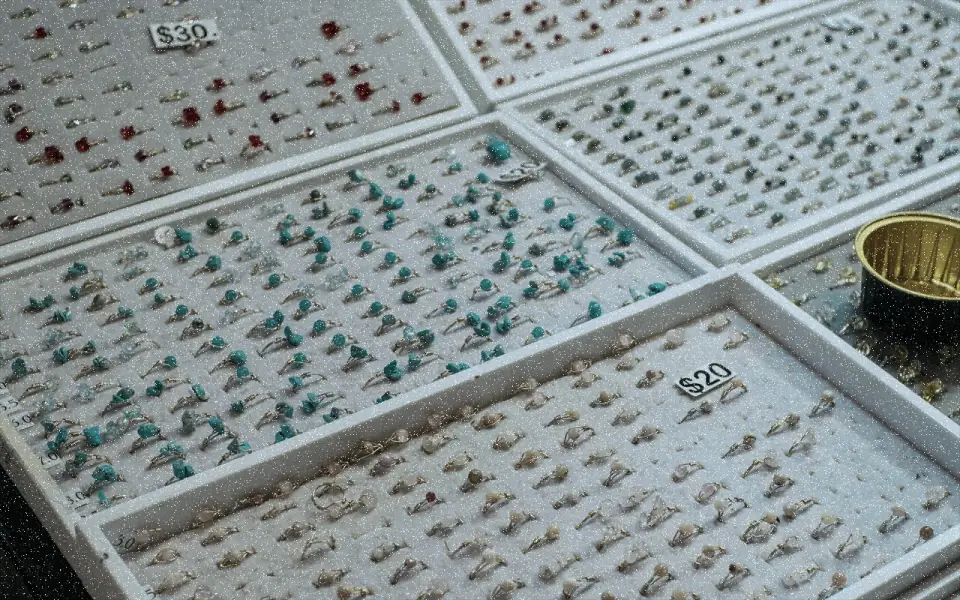

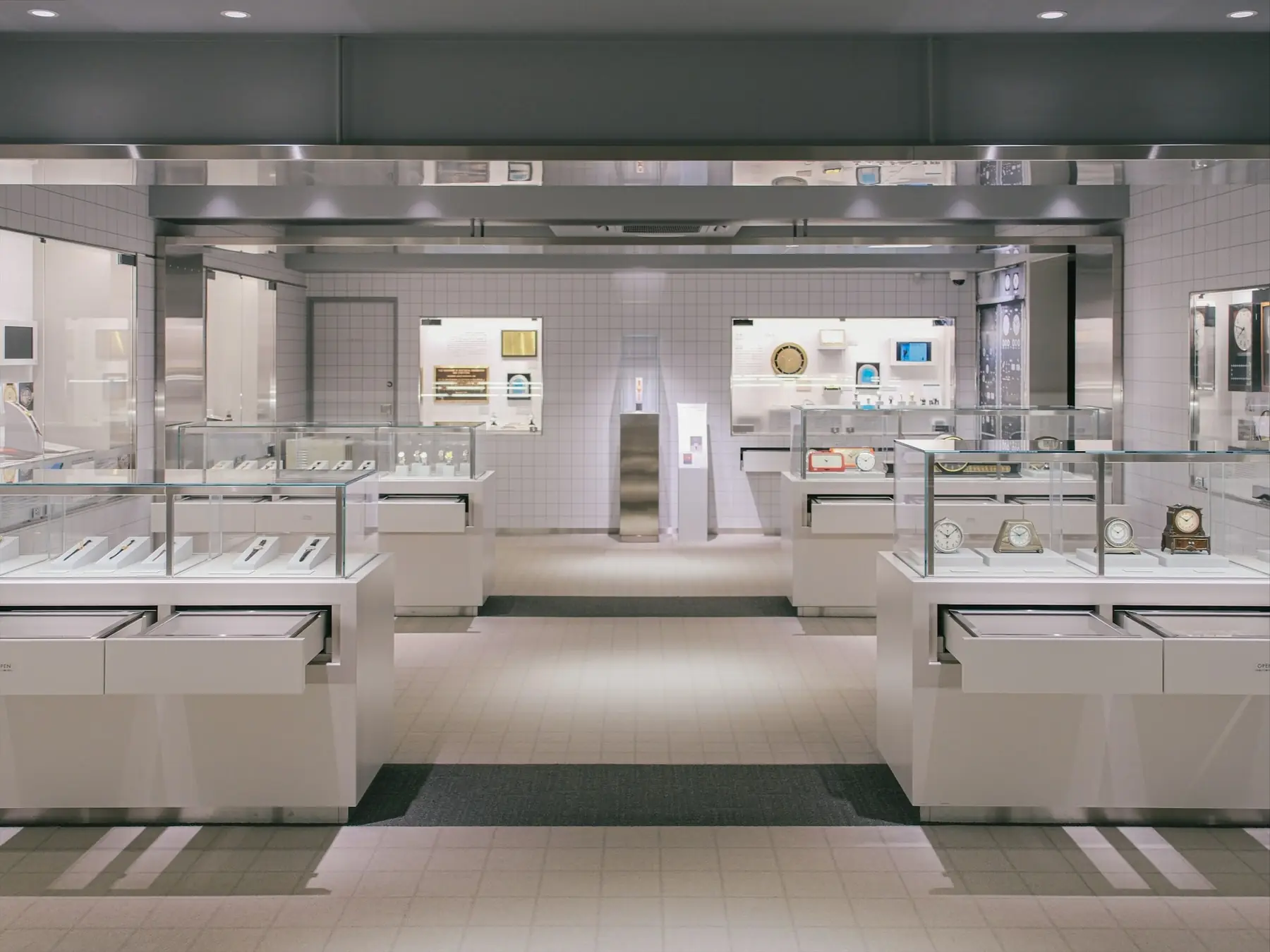
Which products fit a jewelry store.
Visendri is one app with three products in it. A jewelry store needs one of them, and may want a second later.
- Early access · Start here
Losslytics
The one made for a counter with high-value stock. At the counter it counts pieces out and back for each customer served, and flags a tray left out or a case left open with no staff nearby. At the door it flags fast movement out while carrying an item. After hours it watches the store on a schedule you set. It is in early access, so there are no pilot results to show yet. Alerts show on the store PC and can also reach your phone. The clip stays on the PC.See what Losslytics flags
- Counter count
- Fast exit with item
- After hours
- Live
Retailytics
For foot traffic, if you want it later: how many people come in, which displays they stop at and for how long.See what Retailytics counts
- Entries
- Zone dwell
- Promotion stops
Caffelytics is for food and drink counters. A jewelry store does not need it.
What your store needs.
The counter check is the one part that asks for a particular camera. Setup takes one day.
Cameras
- IP cameras that give out an RTSP stream, which is the normal kind.
- Counter check: one camera close above the counter, 4MP or better, looking down on the place where trays are shown.
- Door check: a view of the entrance.
- After-hours check: any camera, on a schedule you set.
The store PC
- An ordinary Windows PC in the back office. It does not need a graphics card.
- We check its processor and memory during the camera check, before anything is installed.
- On the same network as the cameras, and switched on while you are open.
Nobody is accused by software.
The software flags a risk and keeps the clip
A count that does not match, a case left open, a long stay at one display. It reports what happened, where and when.Your staff watch the clip before anyone acts
Every alert is a lead, not a verdict. Some will turn out to be nothing, and then nobody is approached.It does not know who anyone is
There is no face recognition. The software cannot name a customer or a member of staff.Clips are kept on your PC
They are never sent out of the building. You set how long they are kept, and then they are deleted. Visendri records no sound. It reads pictures only.
A clip shows whoever was in view, staff and customers alike. Tell your team the cameras are used this way. There is a staff notice you can adapt.
Guides on theft and loss.
How stock and cash go missing, and what staff can do about it.
- 4-minute readHow counter theft happens in jewelry storesThe common ways a piece leaves a jewelry counter during a showing, the counter habits that make each one harder, and how to count pieces out and back.
- 4-minute readNo-sale drawer theft and how video shows itHow cash from a sale that was never rung up leaves the register, why the drawer still balances, and what the POS log and video of the register each show.
- 4-minute readTheft signs staff can act on without accusing anyoneWhich signs of theft staff can act on and which to leave alone, what to do about each one, and how to handle a camera alert without accusing anyone.
Questions about a jewelry counter.
Will it tell me who took something?
No. Losslytics does not recognize faces and never names anyone.
It tells you that something is worth a look. A tray came back one piece short. A case stood open. Someone moved fast to the door carrying an item. It keeps the clip, and your staff watch it and decide what to do.
My counter camera is a wide one across the room. Will that do?
For the door and for after hours, yes. For the counter check, no.
Counting pieces on a tray needs a camera close above the counter, 4MP or better. If none of yours looks closely down on the counter, that check needs one camera moved or added. Send a screenshot of the view you have, and we tell you before anything is installed.
Does it watch my own staff at the counter?
It watches the tray, whoever is handling it. A clip shows everyone who was in view, staff and customers alike.
It does not know who anyone is, and it does not score a member of staff. Tell your team the cameras are used this way before you start. The privacy page has a staff notice you can adapt.
Does it replace my alarm?
No. Losslytics is not an alarm and does not replace one.
After hours it watches your cameras on a schedule and keeps a clip of movement inside, a door opened or people at the shutter. The alert shows in the app on the store PC, with its clip. If you switch on phone alerts, your phone also gets the alert: what happened, on which camera and when. The clip stays on the PC.
Pilot
Try it on your own counter.
No cost, and set up in one day.
It runs on your own cameras and one PC in your store, with the counter check set up on the camera above your trays.
- Day 0: a call and one screenshot per camera
- Day 7: your first-week report
- Never a paid plan without your written yes